Push notifications vs email alerts: which is better for developers?
Push notification vs email for developers: your inbox buries urgent alerts. When to switch to push, and wire it up in one HTTP POST.
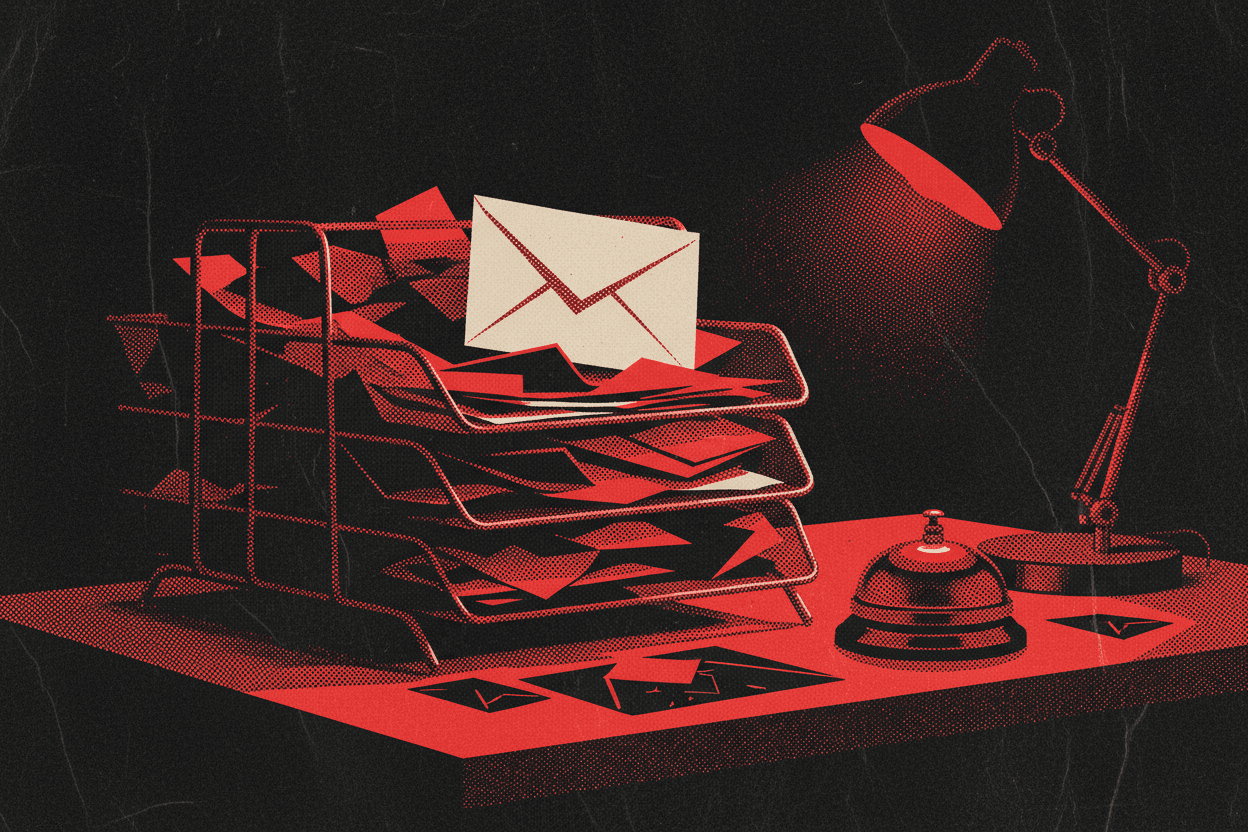
Your payment webhook started throwing 500s at 9:02 this morning. The alert email landed in your inbox at 9:02 too: three below a newsletter, right under a calendar invite. You saw it at 11:40, somewhere between coffees. Two and a half hours of failed charges, and the tool that was supposed to warn you did exactly what you told it to. It emailed you.
That gap (between "the alert was sent" and "you actually noticed") is the whole argument. So let's have it honestly, because the answer isn't "push is better." It's "these two channels are good at completely different jobs, and most developers use email for a job it's bad at."
The real difference isn't the tech: it's where you look
Both channels deliver the message in about the same time: your mail server hands it off in milliseconds, the push hits the lock screen just as fast. Delivery was never the bottleneck. You are: the minutes or hours between a message landing and you actually laying eyes on it.
Your inbox is a to-do list you share with every SaaS product, recruiter, and mailing list you've ever touched. An alert dropped into that pile competes with all of it. You've trained yourself to batch-check email precisely because most of it can wait, which is the exact wrong instinct when one message can't.
A push notification lands on your lock screen. It buzzes in your pocket. There's no inbox to lose it in and no "I'll get to it after lunch" queue. For anything where the time between failure and fix actually costs you something (payments, deploys, a server going dark), that difference is the entire point.
Where email still wins
Email isn't the villain here. It's genuinely better for a few things, and pretending otherwise would be the kind of hype this blog tries to avoid:
- Records you'll want to search later. Receipts, daily digests, anything you might grep through in six months. Email is a searchable archive; a notification is gone once you swipe it.
- Long content. A full stack trace, a weekly report, a formatted table. Nobody wants to read that on a lock screen.
- Reaching people who aren't you. Customers, teammates without your app installed, anyone across an org. Email's universality is real.
- Low-urgency FYIs. "Your backup completed." Fine as an email. A buzz for that just trains you to ignore the buzzes that matter.
Notice the pattern: email wins when the message can wait or needs to be kept. It loses the moment the message is urgent and only for you.
Where push wins: the 3 a.m. test
Here's the honest test for any alert you're about to wire up. Ask: "If this fires at 3 a.m., do I want to know now, or at breakfast?"
If the answer is "now": a production error spike, a failed payment, a cron job that silently died, a server that just went offline: email is the wrong tool. Not because it's slow to deliver, but because you're slow to look. Push closes the human-latency gap that email can't.
And if the answer is "breakfast is fine," you probably didn't need an alert at all. A dashboard or a digest email would do. Most alert fatigue comes from pushing breakfast-tier news at 3 a.m. urgency.
Side by side
| Email alert | Push notification | |
|---|---|---|
| Time to notice | Minutes to hours | Seconds |
| Searchable later | Yes | No |
| Good for long content | Yes | No |
| Reaches other people | Yes | Only devices you control |
| Cuts through at 3 a.m. | No | Yes |
| Setup for a solo dev | SMTP, app passwords, deliverability | One HTTP POST |
That last row is worth sitting with. Getting transactional email reliable (SPF, DKIM, not landing in spam, dodging your provider's sending limits) is a real project. Firing a push notification is one request.
The push version, in one POST
This is the part that surprises people who expect "push" to mean SDKs, certificates, and APNs setup. With TheNotificationApp it's a single HTTP call: no SDK, no build step. Swap in your API key and you're done:
curl -X POST https://thenotification.app/api/sendNotification \
  -H "app_key: YOUR_API_KEY" \
  -H "Content-Type: application/json" \
  -d '{
    "title": "Payment webhook down",
    "body": "500s since 09:02, 14 failed charges so far",
    "link": "https://dashboard.yourapp.com/logs"
  }'
That's the whole integration. Any language that can make an HTTP request can send this: drop it into the same except block or if failure branch where you currently call your email function. The link field means tapping the notification jumps you straight to the logs. Full field list is in the API reference.
The move isn't "rip out email." It's "keep email for the digest, add push for the stuff you can't afford to notice late." Most setups end up using both, on purpose.
The honest tradeoff
Fair warning, since this is the one place push loses to email on paper: email is effectively free and unlimited, and push here isn't. The free tier caps at 100 notifications total: plenty to wire up a couple of real alerts and see if you like it, but not something you point at a chatty webhook that fires on every request. Pro is $2.99/month for 1,000 notifications a month. If you wire push to noisy, low-value events, you'll burn through that and re-learn why email exists. Put push behind a real threshold (actual failures, not routine chatter), and the quota is a non-issue.
So which one?
There's no winner, only a rule: email for what you'll read later, push for what you need to know now. If you've been routing genuine emergencies through your inbox and hoping you glance at it in time, that's the thing worth fixing today. Wiring up the push side takes about the length of this paragraph, grab a key and try it on your next 3 a.m.-worthy alert.
New to this? Start with the full push notification API roundup.